
Free
The Cmd+Tab section overlay, window focus and resize, workspace rehydration, up to 2 layers on one display and MCP read tools.
$0forever
- Cmd+Tab section overlay
- Focus and resize windows
- Workspace rehydration
- MCP read tools
Pricing
The free beta covers the Cmd+Tab overlay on one display. Pro adds the rest.
The Cmd+Tab section overlay, window focus and resize, workspace rehydration, up to 2 layers on one display and MCP read tools.
$0forever
Multiple displays, unlimited layers, the layout editor and MCP write tools.
$5per year
Billed yearly in US dollars. Cancel any time from the link in your receipt.
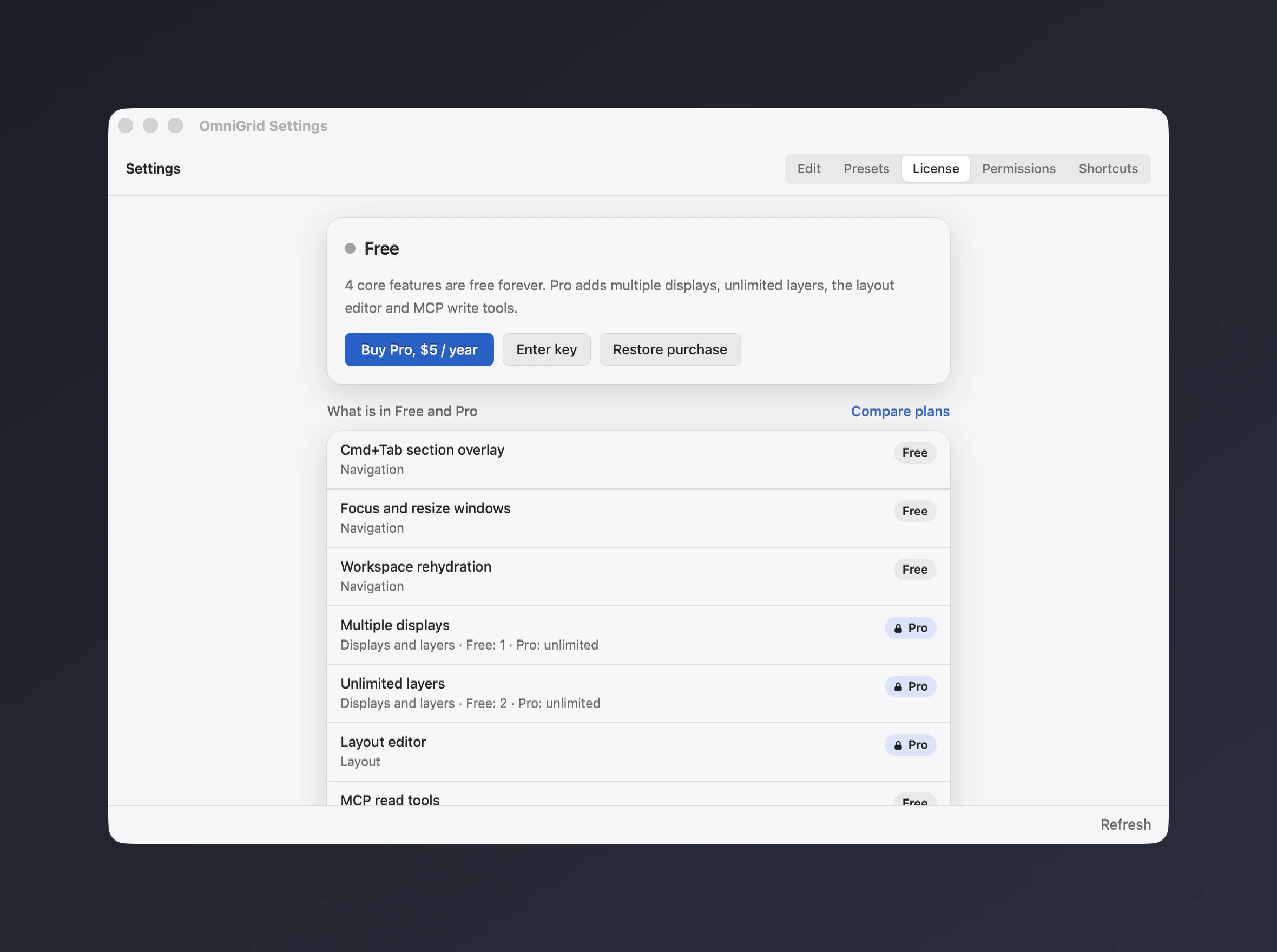
The License section in Settings, Free then Pro.
Free
Pro
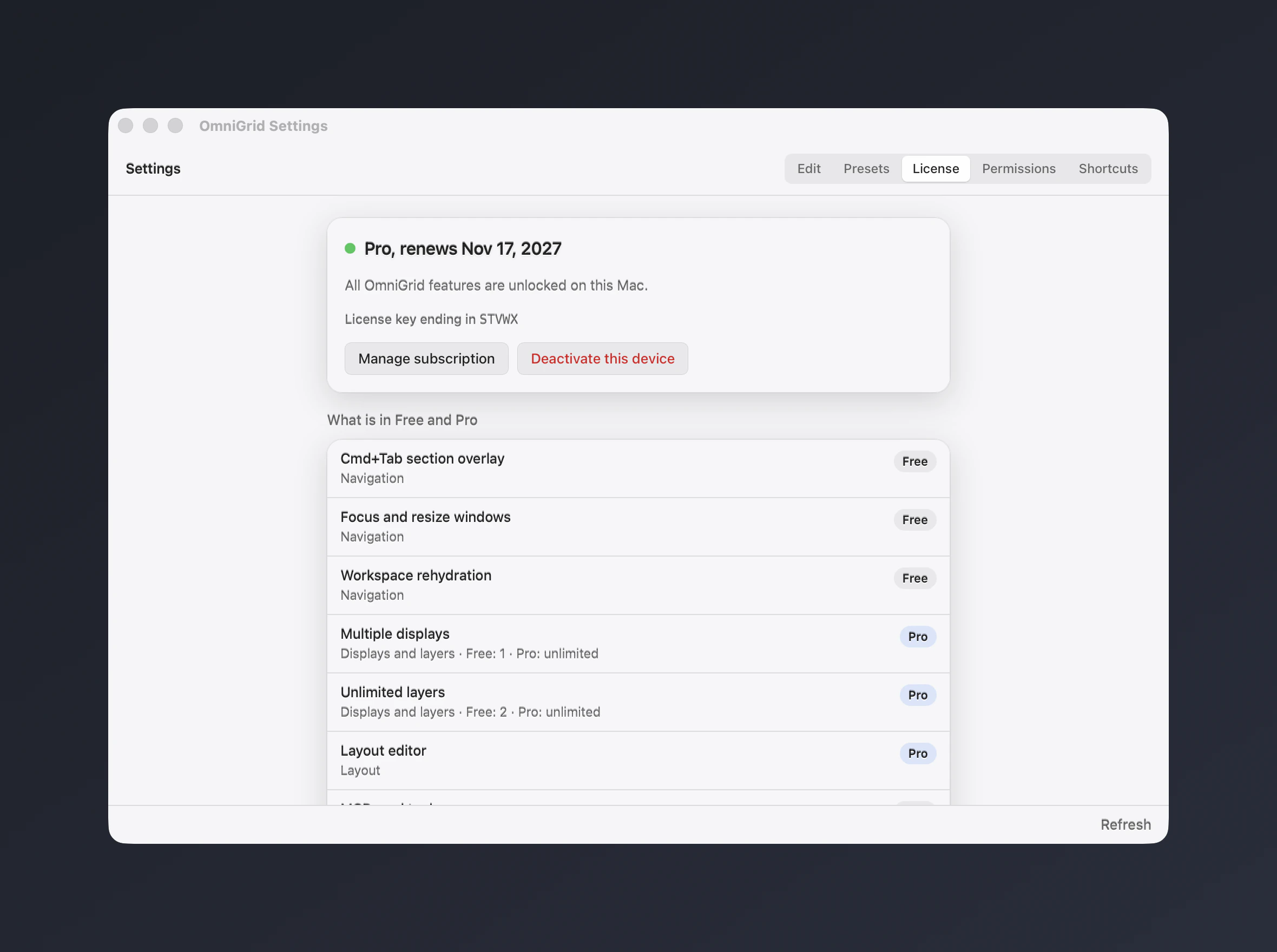
Real captures of the OmniGrid app over a neutral demo desktop. The Pro capture uses a fake test key on a loopback mock licence server, so no purchase was made.
| Feature | Free$0 | Pro$5/year |
|---|---|---|
| Navigation | ||
| Cmd+Tab section overlayReplaces the app switcher with a numeric overlay: pick a screen, a section, then an app, all from the keyboard. | Included | Included |
| Focus and resize windowsFocus any app and snap its window into a section through the macOS Accessibility API. | Included | Included |
| Workspace rehydrationRestores your sections and window placement after a restart or relaunch from the saved workspace. | Included | Included |
| Displays and layers | ||
| Multiple displaysProManage every connected display with its own layers and sections. Free covers one display. | 1 | Unlimited |
| Unlimited layersProStack as many layers as you need on a display and switch between them. Free covers up to 2 layers. | 2 | Unlimited |
| Layout | ||
| Layout editorProDraw custom sections, split and merge them and assign shortcuts with the EditLayoutGrid editor. Free uses the built-in layouts. | Not included | Included |
| Automation | ||
| MCP read toolsLet AI agents read your workspace (screens, layers, sections, assigned apps, open windows) through get_workspace_state. | Included | Included |
| MCP write toolsProLet AI agents focus apps, assign windows, switch layers and edit sections and layers through the local MCP server. | Not included | Included |